Project risk and issue tracking
See what has happened. Prepare for what might.
Use project updates to identify current problems and future uncertainty. Review each finding, then maintain separate issue and risk logs with the context your team needs.
14-day trial · No payment card required
- Describe the situation
Record what happened, what may happen and the effect on delivery.
- Check the classification
Review proposed findings and correct their wording, ownership or classification.
- Maintain the logs
Track approved records and update them as the project situation changes.
A risk and an issue need different responses.
A late supplier delivery is an issue when it has already happened. A possible delivery delay is a risk while the outcome remains uncertain. Keeping the distinction clear helps you discuss today's impact separately from the exposure you are trying to prevent.
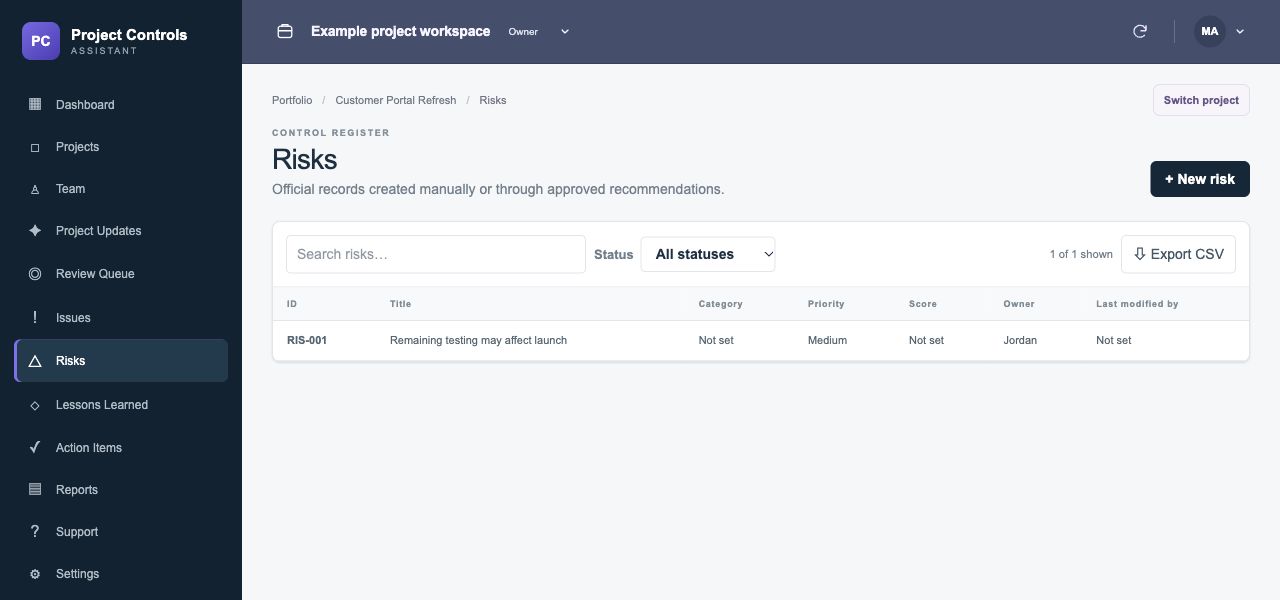
A worked example
One update. An issue, a risk and an action.
PROJECT UPDATEThe test environment is unavailable today. If access is not restored by Friday, the acceptance test window may slip. Jordan is coordinating restoration with the infrastructure team.
- Issue
- The test environment is currently unavailable, preventing planned testing.
- Risk
- If access is not restored by Friday, the acceptance test window may slip.
- Action
- Jordan to coordinate restoration of the test environment with the infrastructure team.
The issue, risk and action are related and should be reviewed together. Confirm the likelihood, impact and response using your project's actual evidence.
Do AI findings enter the official logs immediately?
Proposed findings go to the Review Queue. You can approve, edit or reject them before they become official control records.
Can I maintain records manually?
Yes. Project logs support manually created records as well as approved findings. Keep ownership, impact, response and status current as new information becomes available.
What happens when a risk becomes an issue?
Review the original risk, record the event as an issue and update the risk's status and context as appropriate. Do not assume the original exposure and the resulting problem have identical wording or ownership.