AI project status reports
Tell the project story. Keep the evidence close.
Bring project updates and reviewed control records together in a clear status report. Spend your review time on what changed, what matters and what needs a decision.
14-day trial · No payment card required
- Record progress
Add daily project updates as work progresses.
- Review the findings
Approve or edit proposed issues, risks and actions before adding them to the logs.
- Compile and export
Select the reporting period, review the report and export it to Word or PDF.
Reporting should build on the work you already recorded.
When updates, issues and actions live in separate documents, month-end reporting becomes a reconstruction exercise. Project Controls Assistant uses your recorded updates and project logs to help you compile a clear status report, with supporting records available for review.
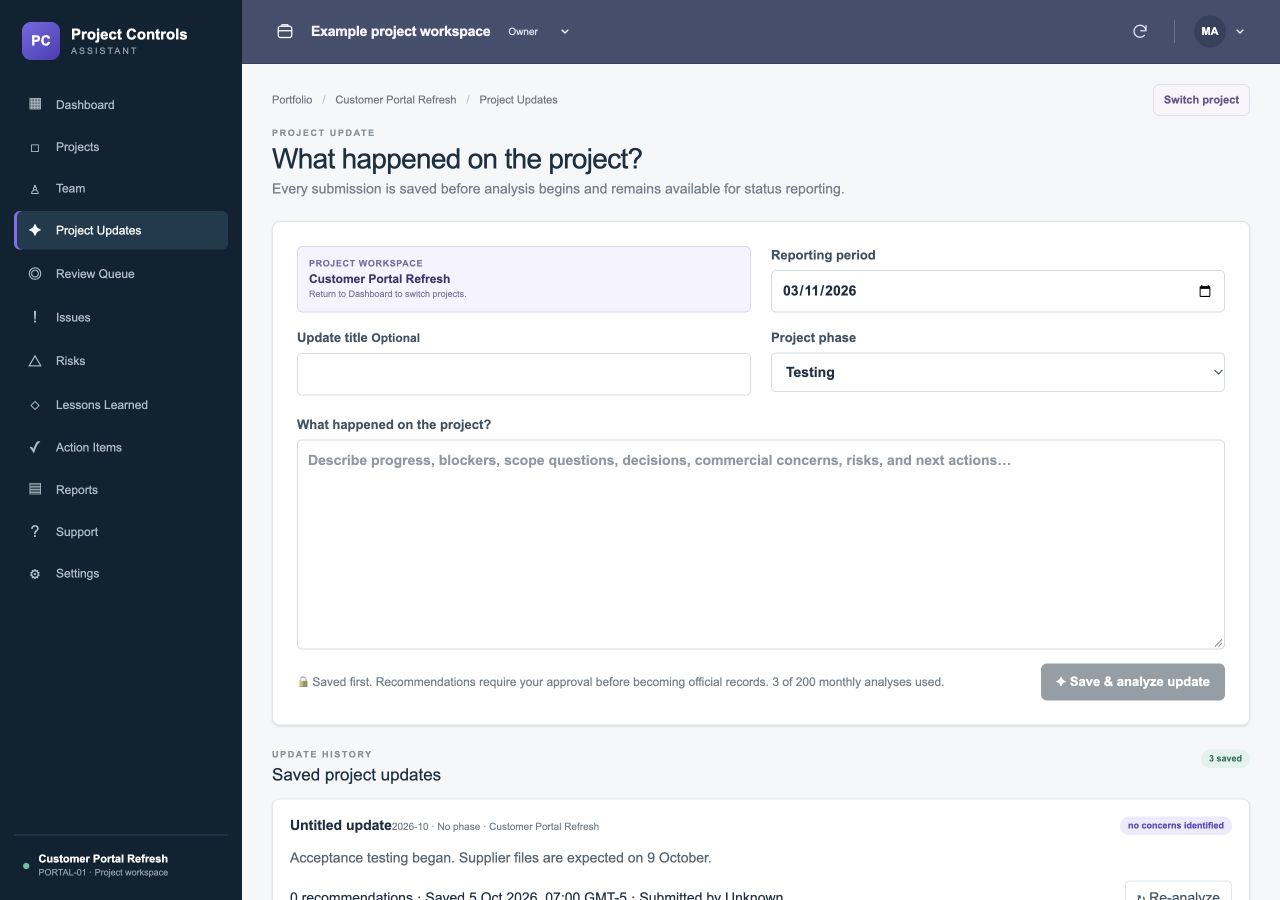
A worked example
From daily updates to a monthly status report.
PROJECT UPDATE5 October: Testing started. 16 October: Supplier test files arrived late and testing is two days behind. Maya will confirm a recovery plan by 20 October. 23 October: Weekend testing recovered one day; the final test cycle is still in progress.
- Progress
- Testing started and one day of the supplier-related delay was recovered.
- Current issue
- The final test cycle remains one day behind the original plan.
- Follow-up
- Check whether Maya's recovery plan was completed and confirm the remaining test dates.
The report should preserve the unresolved delay and avoid claiming that delivery is on track without evidence. Confirm dates and register statuses before sharing.
Can I edit the report before sharing it?
Yes. Review and edit the report, then download a Word or PDF copy for your stakeholders. The generated wording is a draft for your final review.
Which reporting periods can I use?
All plans support monthly status reports. Professional and Team plans also let you select custom start and end dates for your report.
Does the report replace the project logs?
The status report and logs serve different purposes. The report explains the period; the issue, risk and action logs preserve the supporting control records. Review both for consistency.